
Transfer and transportation management for travel agencies
A transfer is the simplest thing a travel company sells and the easiest to get wrong: one wrong time or terminal and a guest is left waiting. Toursside gives each airport transfer, car or coach booking its own order, with the pickup details and the driver in plain sight.
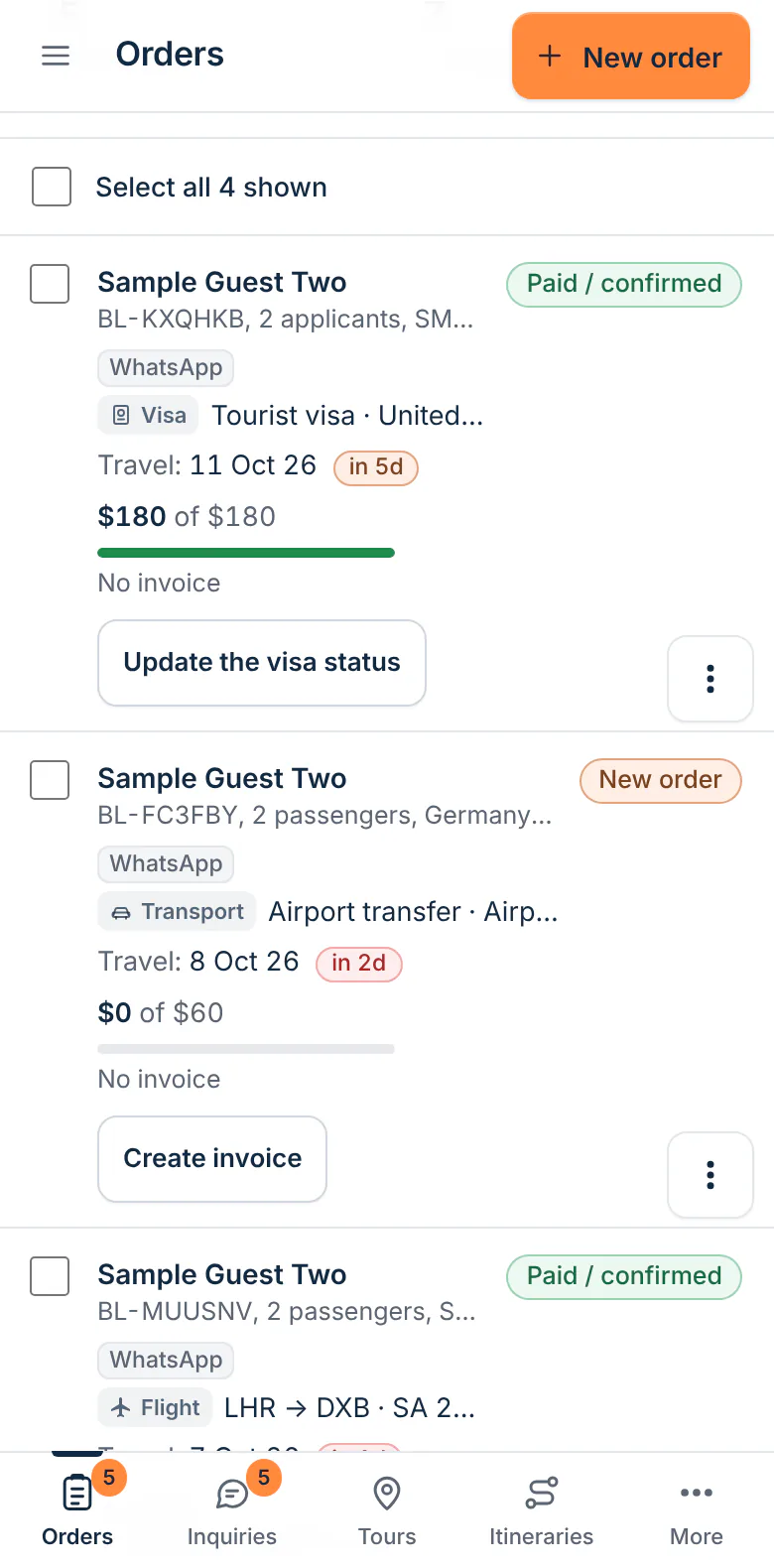
What it does
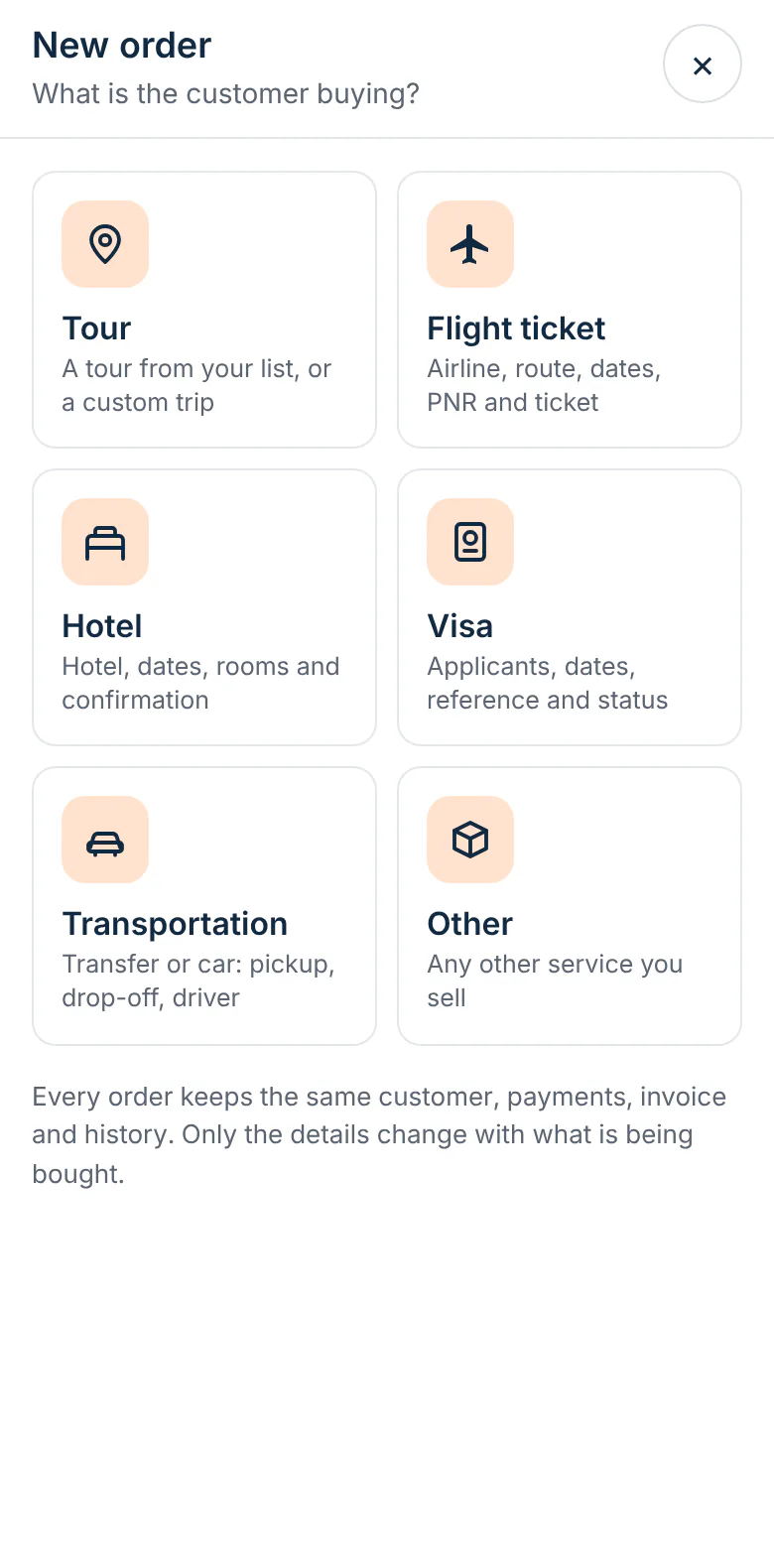
A transport order with the right fields
Pickup place, drop-off place, pickup time, vehicle and driver.
A Driver assigned step
The order is not finished until a driver is on it, so unassigned transfers stand out in the list.
Dates at a glance
Each transfer shows its date and how many days away it is, in the same list as your tours and tickets.
Price, cost and payment
Record what the vehicle costs you and what the customer pays, then invoice and collect like any other order.
Works on a phone
Check a pickup time or change a driver from wherever you are.
Linked to the trip
Attach the airport transfer to the guest's tour, flight or hotel as one package.
From a message to a confirmed pickup
Most transfer requests arrive as a short message with a flight time. Staff create a Transportation order, enter where and when, and tag where the request came from. The supplier or car company is typed onto the order with its cost. When a driver is assigned, the order moves to Driver assigned.
Transfers for your customers and for partner agencies
Transportation orders are for transfers you sell to your own customers. If another travel company asks you to arrange transfers on the ground as part of a larger job, that work belongs in a partner request, which prices several services together.
Who it is for
- Travel agencies selling airport transfers with flights and hotels
- Tour operators arranging cars, vans and coaches for guests
- Small transfer and chauffeur companies working with travel agents
- Operations staff who assign drivers each evening for the next day
How it works
- Create a Transportation order with pickup, drop-off, date and time.
- Add the vehicle, your price and what the supplier charges you.
- Send the invoice and record the payment.
- Assign the driver; the order moves to Driver assigned.
Questions
Does Toursside dispatch drivers or track vehicles?
No. There is no driver app, GPS tracking or automatic dispatch. The order records the vehicle and the driver your team assigns.
Is there a list of drivers and vehicles to pick from?
The supplier, vehicle and driver are entered on each order. There is no separate fleet or supplier database today.
Can a transfer be added to a tour booking?
Yes. Create it as its own order for the same customer and link the two as a package, with a combined total and balance.
Which plan includes transport orders?
Every plan, including Starter.
Related parts of Toursside
More from Toursside
- Travel CRM
- Itinerary builder
- Invoicing and payments
- Booking on your website
- Visa application tracking
- Document and invoice designs
- Tour operator software for the Middle East
- Tour operator software for Egypt
- Tour operator software for the UAE
- Tour operator software for Saudi Arabia
- Plans and pricing
- Start a free demo workspace
See it with your own kind of trips.
A demo workspace is ready in seconds. Works on a computer and a phone.